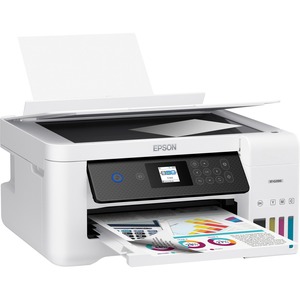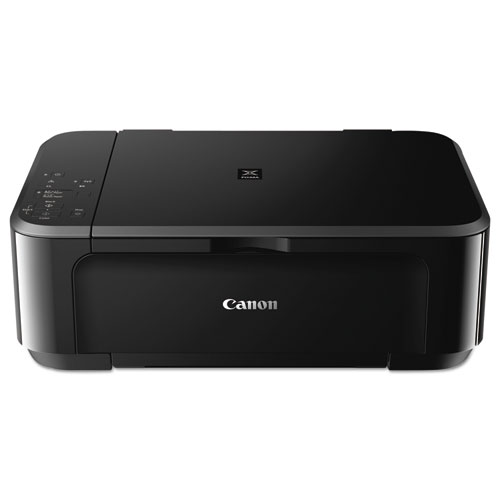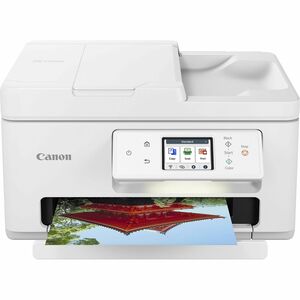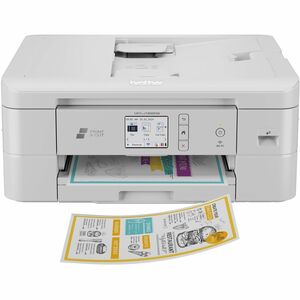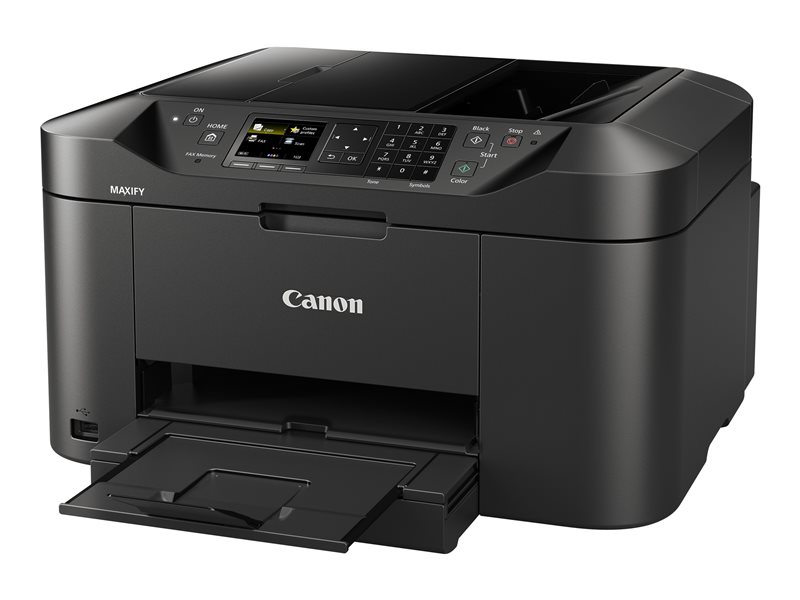
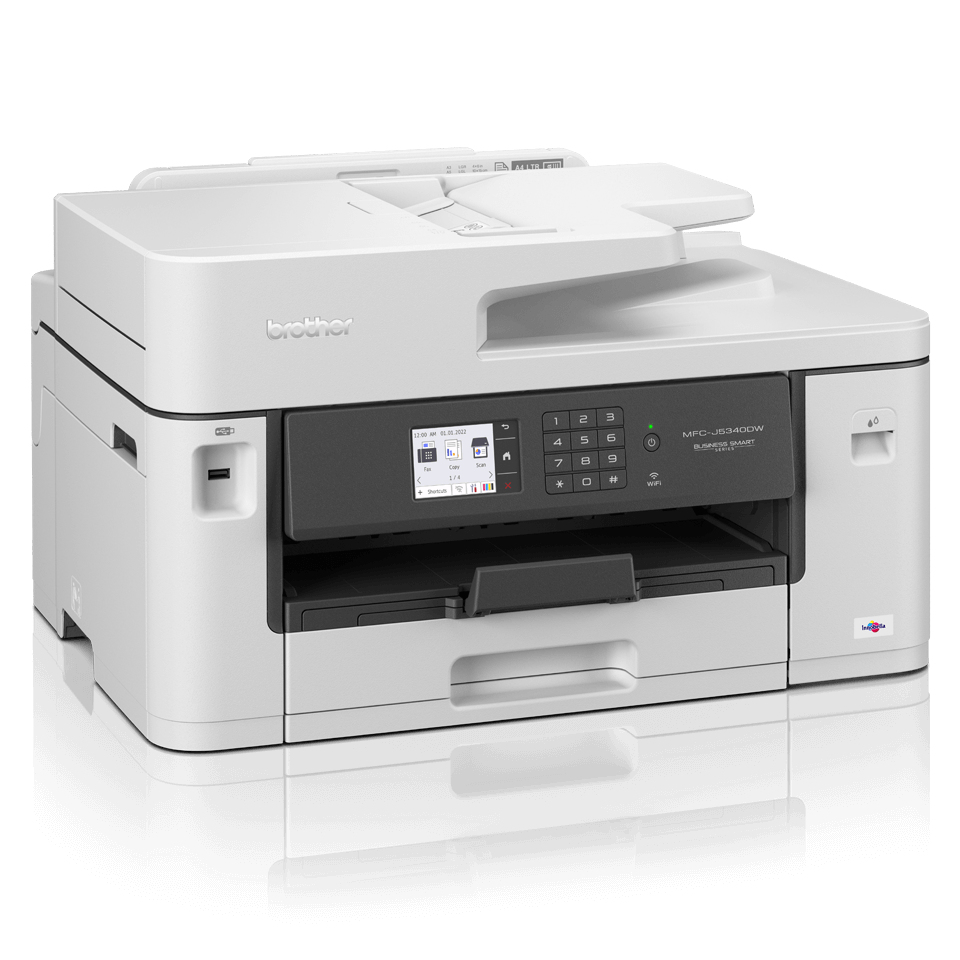
- Print (up to A3), copy, scan & fax functionality
- Print speeds of up to 28 ipm mono & colour (Based on ISO/IEC 24734)
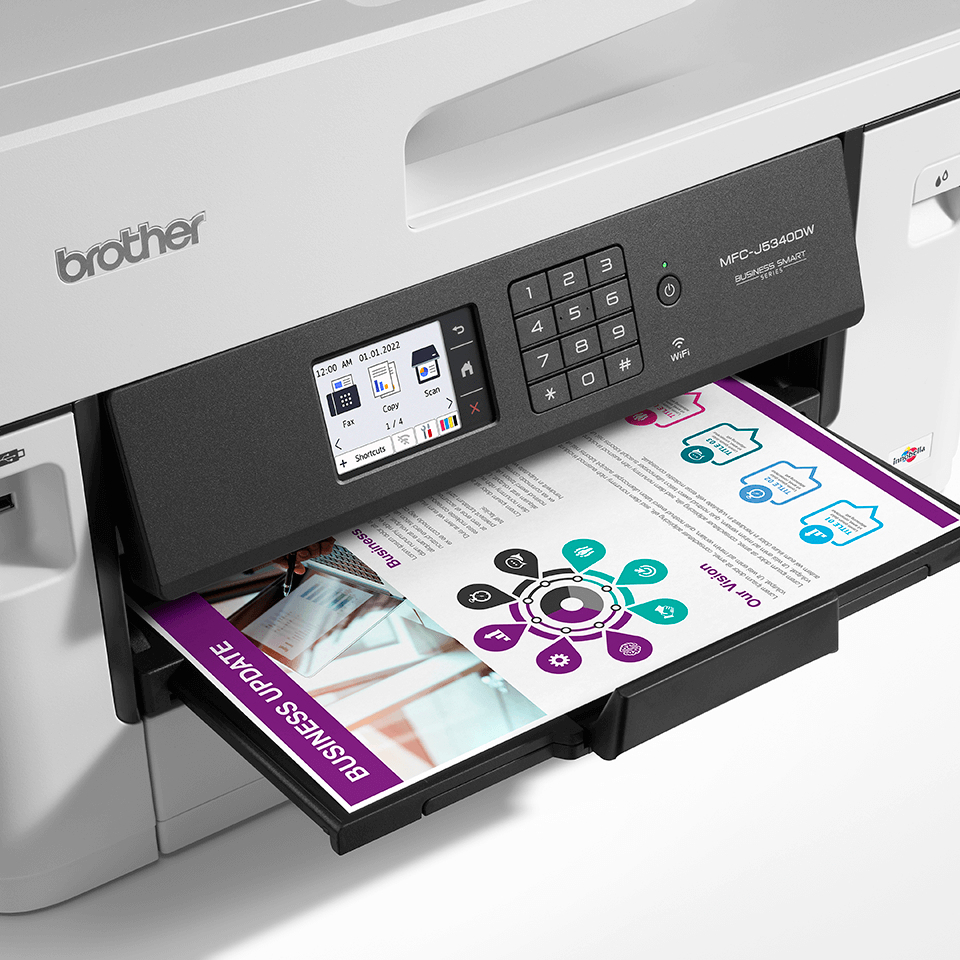
- Automatic A4 2-sided print
- Wired and wireless connectivity / Mobile compatible – download app: Brother Mobile Connect
- 6.8cm colour LCD touch screen
- 250 sheet paper capacity / 50 sheet ADF / manual feed slot
1+
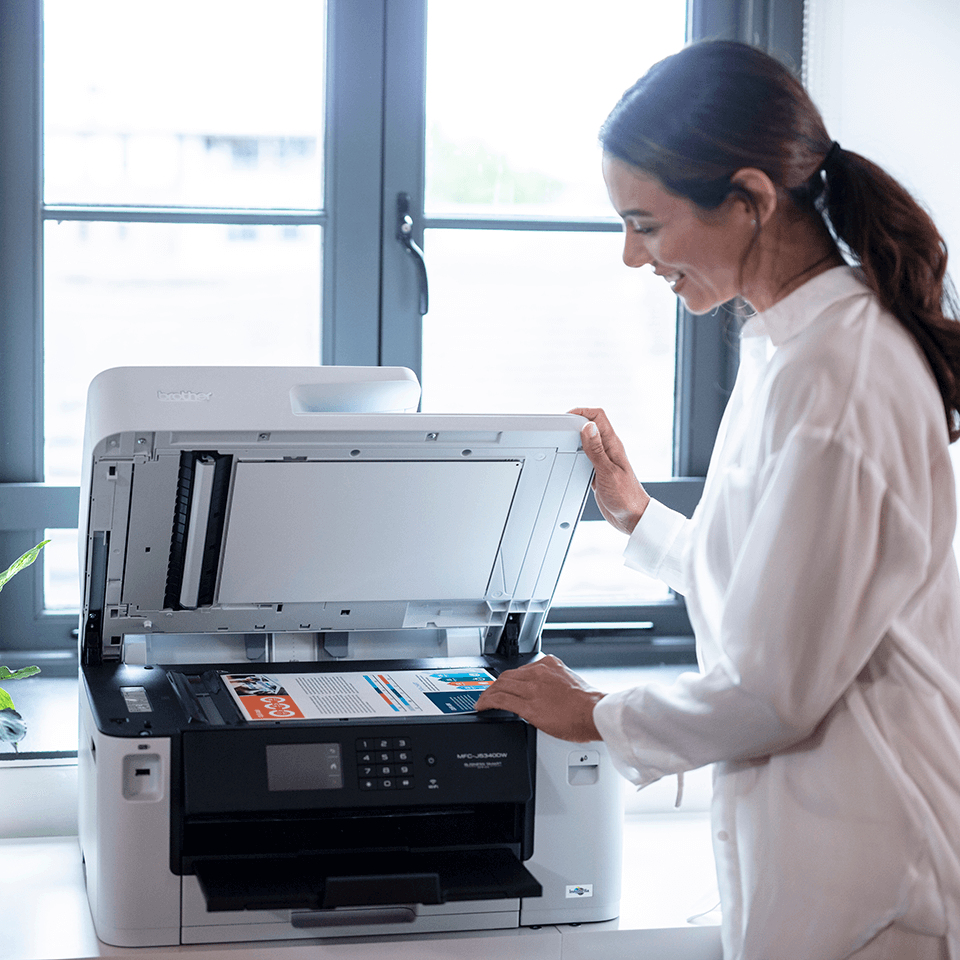
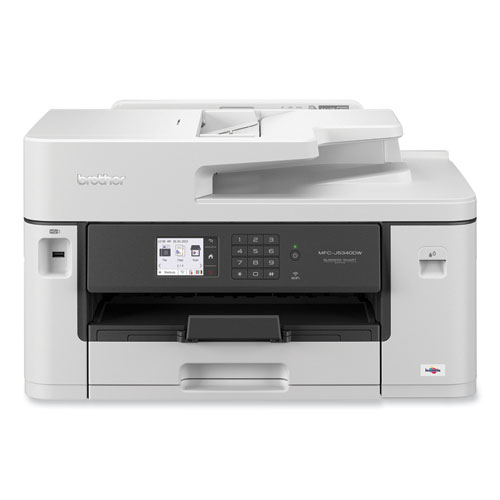
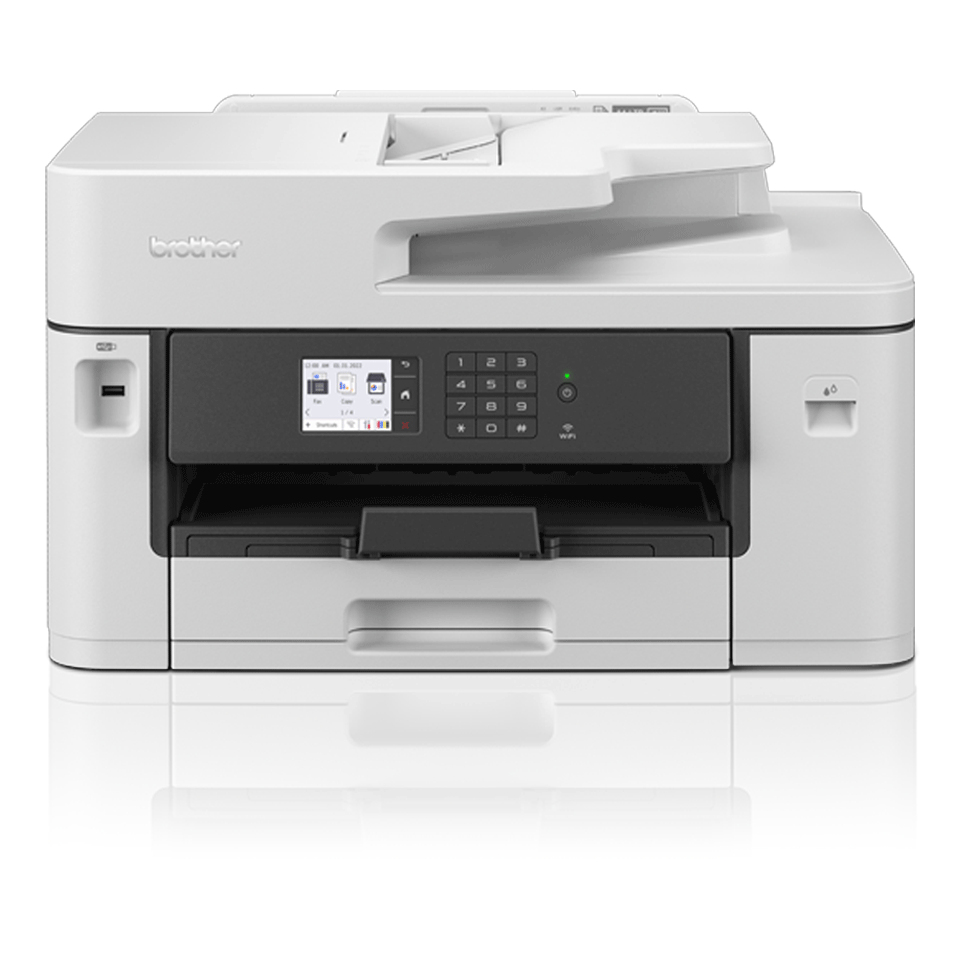
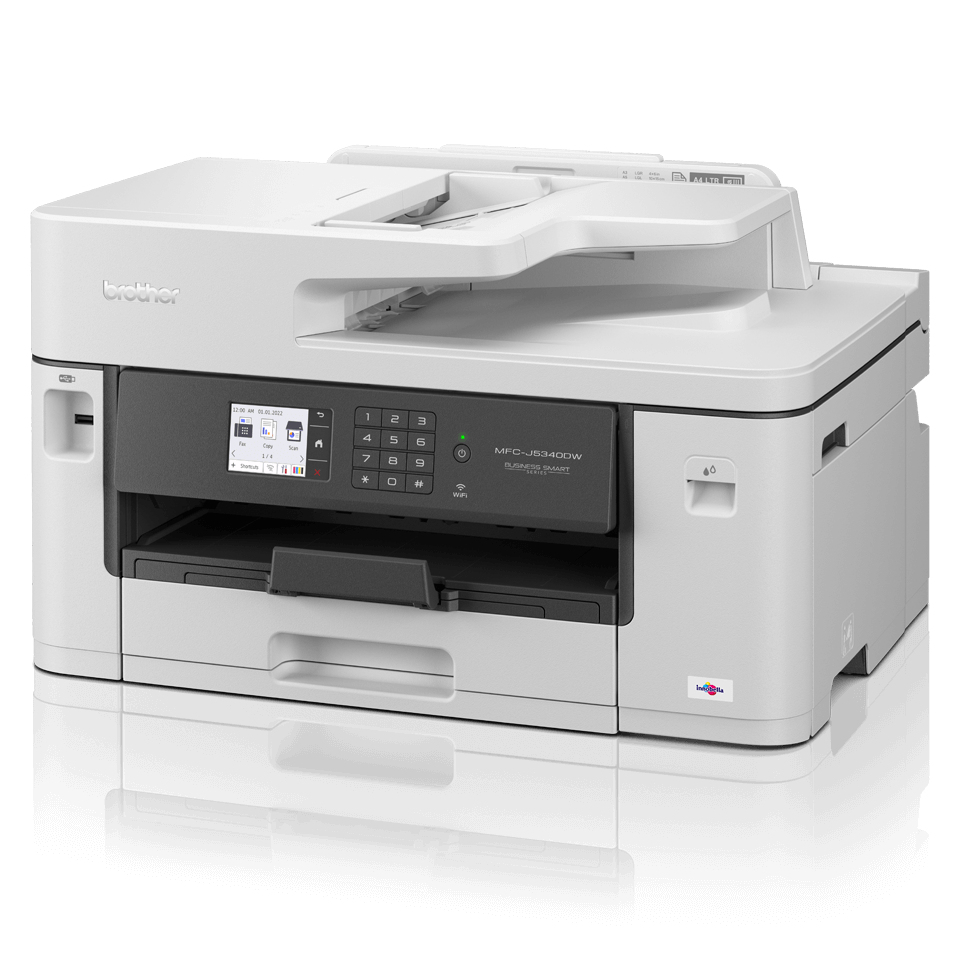
MFC-J5340DW Business All-in-One Color Inkjet Printer, Copy/Fax/Print/Scan
MFC-J5340DW Business All-in-One Color Inkjet Printer, Copy/Fax/Print/Scan

Product Details
General Information
| Form Factor | Desktop |
| Display Screen Type | LCD |
| Copy Color | Color |
| Copier Type | Flatbed |
| Maximum Print Resolution (dpi) | 1200 x 4800 |
| Multifunction Devices | Copier/Fax/Printer/Scanner |
| Optical Resolution (dpi) | 1200 |
| Power Source | AC Supply |
| Print Color Capability | Color |
| USB | Yes |
| Wireless Print Technology | Wi-Fi Direct |
| Standard Input Media Capacity | 251 sheets |
| Scanner Type | Flatbed |
| Scan Color | Color |
| Print technology | Inkjet |
| Printing | Colour printing |
| Duplex printing | Yes |
| Maximum resolution | 1200 x 4800 DPI |
| Duplex printing mode | Auto |
| Print speed (ISO/IEC 24734) mono | 28 ipm |
| Print speed (ISO/IEC 24734) colour | 28 ipm |
| N-in-1 print function | Yes |
| N-up printing | 2, 4, 9 |
| Watermark printing | Yes |
| Booklet printing function | Yes |
| Poster printing function | Yes |
| ID printing function | Yes |
| Copying | Colour copying |
| Maximum copy resolution | 600 x 600 DPI |
| Time to first copy (black, normal) | 5 s |
| Time to first copy (colour, normal) | 6 s |
| Maximum number of copies | 999 copies |
| Copier resize | 25 - 400% |
| N-in-1 copy function | Yes |
| N-in-1 copy function (N=) | 2, 4 |
| ID-card copy function | Yes |
| Scanning | Colour scanning |
| Duplex scanning | No |
| Optical scanning resolution | 600 x 600 DPI |
| Scanner type | Flatbed & ADF scanner |
| Optical scanning resolution (ADF) | 600 x 600 DPI |
| Maximum scan resolution | 1200 x 2400 DPI |
| Maximum scan area | 215.9 x 297 mm |
| Scan technology | CIS |
| Scan to | E-mail, FTP, File, Image, Network folder, OCR |
| Input colour depth | 48 bit |
| Output colour depth | 24 bit |
| Input greyscale depth | 16 bit |
| Output greyscale depth | 8 bit |
| Scan drivers | SANE, TWAIN, WIA |
| Faxing | Colour faxing |
| Modem speed | 14.4 Kbit/s |
| Fax memory | 150 pages |
| Auto reduction | Yes |
| Error Correction Mode (ECM) | Yes |
| Maximum duty cycle | 2500 pages per month |
| Duplex functions | |
| Number of print cartridges | 4 |
Product Information
| Brand | Brother |
| Type | Multifunctional Devices |
Description
The professional A3 MFC-J5340DW all-in-one printer is built to last, meeting the needs of demanding small offices and business workgroups. A3 capability enables you to produce a variety of A3, as well as A4 colour documents, without any hassle, while experiencing high quality prints, fast print speeds and low running costs. This multifunction device offers print, copy, scan and fax functionality. Print from your workstation, in a meeting room, or from your mobile device with wireless connectivity. Built to last You need a device you can rely on. These A3 professional multifunction devices have been engineered into robust business devices, delivering fast, secure and professional quality to suit the growing needs of your business. Increase your print speed, with the new Brother MAXIDRIVE print technology The newly developed high power print head enables a dramatical improvement in print speed, saving you time when printing your business documents. Not only is speed improved, but this new print head is highly durable and produces extremely high print quality, delivering professional results to your outputs. Print bigger Make your documents more memorable by printing them in A3 Size. With full colour A3 print capabilities, your important training materials or presentation documents will stand out and may be easier to digest helping you obtain more interest from the reader. By printing A3 documents in house you have more control over your deadlines and can expland your opportunities. Scanning technology to improve work flow, even when working remotely As a multifunction device the MFC-J5340DW can do so much more than print. The scanning opportunities available for example can significantly enhance your productivity from home. You can scan in colour or mono at high speeds to several destinations to boost workflow: Image File OCR Email Work connected, always You don’t just need to be sat at your desk, or even near the printer to use the MFC-J5340DW. With the range of connectivity options available, you can print anywhere in your office / home – and even from your mobile phone through wireless connectivity. By downloading the Brother Mobile Connect app you can access an array of features – from sending print jobs, to checking your ink levels and ordering replenishments when necessary